Need your customers to fill up online forms and they taking a long time?
Why not you boost up the process by reading their Mykad information and pre-fill your online forms?
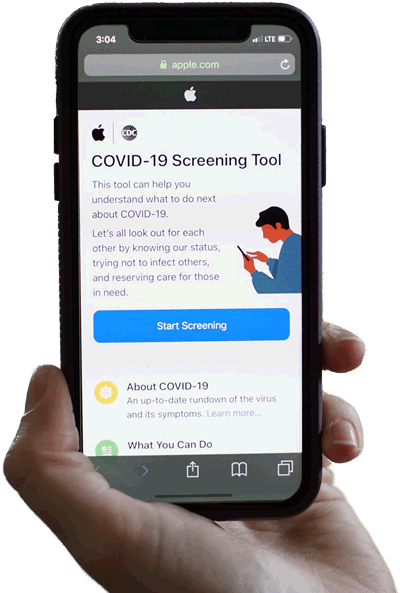
That's what this Demo 1 - Online Form does. We are showing you on how the Mykad information can be pre-fill into online application form. Since now the Covid-19 cases are high, lets use that for this example. We fill up Covid-19 Test Application form when you enable the Web Submission function in your Mykad Mykid Reader software.
This saves your time, your customer time and boost up the process. Customers will love your speedy process.
Open your Mykad Mykid Reader software. Go to "Settings". Select "Web Submission Settings". Set the "Enabled?" to "Yes" and enter this as Webpage URL:
http://webdemo.mykadmykid.com/demo1/mykad.php
Save your settings. Now click on "Extract Mykad". You can see this demo in action.